Timers
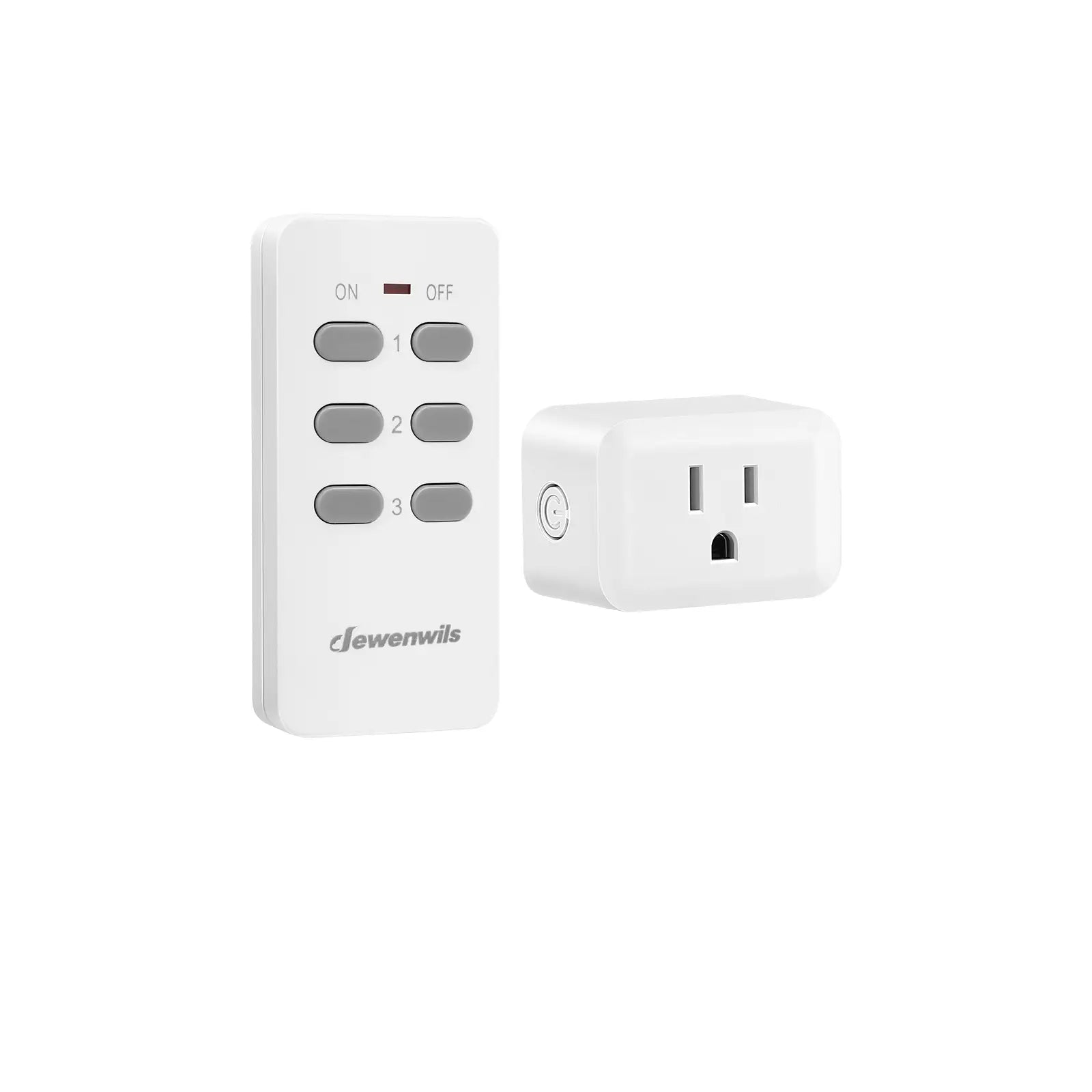
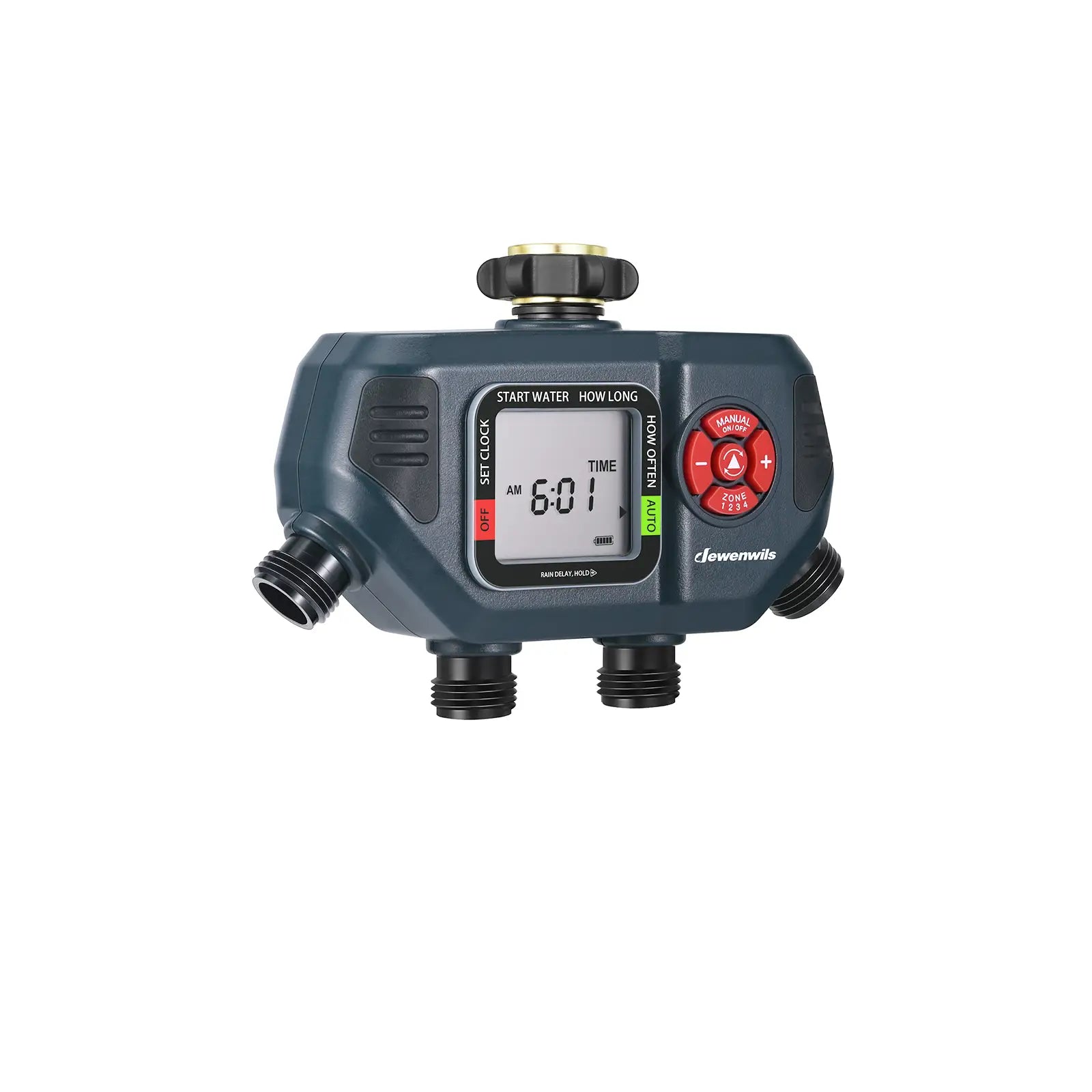
DEWENWILS Timers include indoor digital and mechanical timers, outdoor waterproof and light-sensing timers, and multi-outlet or countdown timers. They help control lights, appliances, pumps, and garden devices—making daily life easier and smarter.

 365-Day Warranty
30-Day Return
Free Us Shipping
365-Day Warranty
30-Day Return
Free Us Shipping
 365-Day Warranty
30-Day Return
Free Us Shipping
365-Day Warranty
30-Day Return
Free Us Shipping

Smart Irrigation Controller, Sprinkler Timer -SHDWT03B
Choose your option

Digital Indoor Light Timer -SHDTI22C
Choose your option

Light Sensor Outdoor Light Timer Outlet-SHODT12E
Choose your option

App Control(Wifi) Pool Pump Timer - SHOWT01E
Choose your option

Smart Irrigation Controller, Sprinkler Timer -SHDWT04C
Choose your option

Choose your option

Digital Indoor Light Timer -SHIDT12W
Choose your option

Mechanical Pool Pump Timer - SHOMT01B
Choose your option

Light Sensor Outdoor Light Timer Outlet-SHODT12C
Choose your option

DEWENWILS Outdoor Photocell Dusk to Dawn Power Stake Timer Waterproof, 100FT Remote Control Outlet Timer, 6 Grounded Outlets 6FT Cord, for Outdoor Lights, Sprinklers, Garden, 1875W/15A-SHOYS16A1
Choose your option

Digital Indoor Light Timer -SHIDT01A
Choose your option

DEWENWILS Outdoor Mechanical Power Strip Timer, 24 Hour Multi Socket Timer, Waterproof 6 Outlet Garden Power Stake, 6 ft Cord, 1800W/15A Heavy Duty, for Garden Lights, Christmas Decoration, Sprinklers-SHOYS22M
Choose your option
Not sure which Pool Pump Timers you need? Filter by wattage, capacity, or features—find the right match in seconds.

App Control(Wifi) Pool Pump Timer - SHOWT01ARegular price
$6999
Sale price
$6999
Regular price
-5%
|

App Control(Wifi) Pool Pump Timer - SHOWT01CRegular price
$4999
Sale price
$4999
Regular price
-10%
|

App Control(Wifi) Pool Pump Timer - SHOWT01DRegular price
$5999
Sale price
$5999
Regular price
|

Digital Pool Pump Timer - SHODT01BRegular price
$4999
Sale price
$4999
Regular price
|
|
|
Input Voltage: 120-277VAC |
Input Voltage: 120-277VAC |
Input Voltage: 120-277VAC |
Input Voltage: 120-277VAC |
|
|
2 HP |
2 HP |
2 HP |
2 HP |
|
|
App Control(Wifi / 2.4GHz, Support Alexa and Google Home ) |
App Control(Wifi / 2.4GHz, Support Alexa and Google Home ) |
App Control(Wifi / 2.4GHz, Support Alexa and Google Home ) |
Digital Dial Timer |
|
|
|
|
|
|
|
|
cULus |
ETL, FCC |
ETL, FCC |
ETL |
|
|
10.75 * 7.76 * 4.25 in |
9.25 * 6.69 * 4.84 in |
9.45 * 6.69 * 4.45 in |
9.25 * 6.69 * 4.84 in |
|
|
2.67 lbs |
1.68 lbs |
1.68 lbs |
1.68 lbs |
Not sure which outdoor timer is right for you?
Filter by electrical ratings, capacity, or features to find your perfect match in seconds.

Light Sensor Outdoor Light Timer Outlet-SHODT12B2Regular price
$2899
Sale price
$2899
Regular price
|

Digital Outdoor Light Timer Outlet-SHODT13BRegular price
$2799
Sale price
$2799
Regular price
|

Light Sensor Outdoor Light Timer Outlet-SHODT21ARegular price
$3299
Sale price
$3299
Regular price
|

Digital Outdoor Light Timer Outlet-SHODT12HRegular price
$2499
Sale price
$2499
Regular price
|
|
|
Input Voltage, Frequency: 125V, 60 Hz |
Input Voltage, Frequency: 125V, 60 Hz |
Input Voltage, Frequency: 125V, 60 Hz |
Input Voltage, Frequency: 125V, 60 Hz |
|
|
Light Sensor Countdown Timer |
Digital Timer |
Light Sensor Countdown Timer |
Digital Timer |
|
|
|
|
|
|
|
|
Outlet Number:2, Outlet Type: |
Outlet Number:3, Outlet Type: |
Outlet Number:1, Outlet Type: |
Outlet Number:2, Outlet Type: |
|
|
|
|
|
|
|
|
7.01 * 5 * 2.01 inch |
7.01 * 5 * 1.97 inch |
5.98 * 4.02 * 3.5 inch |
7.28 * 4.13 * 1.77 inch |
|
|
0.52 lbs |
0.56 lbs |
0.6 lbs |
0.37 lbs |
Not sure which indoor timer is right for you?
Filter by electrical ratings, capacity, or features to find your perfect match in seconds.

Digital Indoor Light Timer -SHIDT01ERegular price
$1999
Sale price
$1999
Regular price
|

Digital Indoor Light Timer -SHIDT22XRegular price
$2699
Sale price
$2699
Regular price
|
Digital Indoor Light Timer -SHIDT01ARegular price
$1884
Sale price
$1884
Regular price
-35%
|

Mechanical Indoor Light Timer -SHIMT12WRegular price
$2999
Sale price
$2999
Regular price
|
|
|
Input Voltage, Frequency: 125VAC, 60 Hz |
Input Voltage, Frequency: 125VAC, 60 Hz |
Input Voltage, Frequency: 125VAC, 60 Hz |
Input Voltage, Frequency: 120VAC, 60 Hz |
|
|
Digital Dial Timer |
Digital Dial Timer |
Digital Dial Timer |
Mechanical Dial Timer |
|
|
|
|
|
|
|
|
Outlet Number:1, Outlet Type: |
Outlet Number:1, Outlet Type: |
Outlet Number:1, Outlet Type: |
Outlet Number:2, Outlet Type: |
|
|
|
|
|
|
|
|
3.15 * 2.95 * 2.36 inch |
4.21 * 3.62 * 1.85 inch |
4.25 * 3.62 * 1.89 inch |
4.53 * 4.09 * 2.83 inch |
|
|
0.19 lbs |
0.43 lbs |
0.31 lbs |
0.6 lbs |
Pairs Well With Pool Pump Timers:

Low Voltage Landscape Lights - (spotlights)
DEWENWILS AC/DC 12V Low Voltage Landscape Lights, 14W 540LM 3000K Low Voltage LED Spotlight, IP65 Waterproof Landscape Lighting for Yard, Driveway, Lawn (4 Pack)-HGSL05A
Choose your option

Low Voltage Landscape Lights - (pathway lights)
6Pack Low Voltage Landscape Lighting, 3.2W 3000K 50,000Hrs Electric LED Pathway Lights Wired, 12V Waterproof Outdoor Landscape Path Lights, Modern Aluminum Housing for Driveway Garden-HGSL09B
Choose your option

Low Voltage Landscape Lights - (pathway lights)
Low Voltage Pathway Lights, 3W 150 LM 3000K 16.5“ Tall LED Landscape Lights, 12V AC/DC 50,000Hrs Waterproof Aluminum Housing Outdoor Landscape Lighting for Path, Yard, Garden-HGSL06A
Choose your option

Low Voltage Landscape Lights - (pathway lights)
Low Voltage Landscape Lighting, 12V 3W 3000K Warm White, Electric Outdoor Bollard Lights with Connectors, Waterproof LED Pathway Driveway Walkway Lights Wired for Yard Garden-HGSL35A
Choose your option
Pairs Well With Indoor Light Timers:

DEWENWILS 2-Set 57.5" Minimalist LED Corner Floor Lamp, Modern Dimmable Mood Lighting, Standing Tall Floor Lamp for Living Room, Bedroom, Office, 3000K Warm White Light, Black-HFLK02T
Choose your option

DEWENWILS 57.5" Dimmable LED Corner Floor Lamp, 3000K Warm White Light (Gold)-HLFL02G1
Choose your option

DEWENWILS Arched Floor Lamps with Adjustable Beige Line Lampshade, Standing Tall Arc Lamp for Living Room, Bedroom, Office, Simple Design Farmhouse Style (Black)-HLFL04E
Choose your option

DEWENWILS Floor Lamp with Table Attached, Farmhouse Narrow Nightstand, Wooden End Side Table Floor Lamp, Adjustable Reading Lamp-HLFL06E
Choose your option

DEWENWILS 14.2 inches Table Lamp, Wooden Tripod Table Lamp with White Linen Fabric Shade, 2 Pack Table Lamp for Living Room, Bedroom, Side Table, Nursery, Office-HLTL05J
Choose your option

DEWENWILS 14.2 inches Bedside Table Lamp, Tripod Table Lamp Wood with Linen Fabric Shade, Small Nightstand Lamp for Nursery, Bedroom, Kids Room, Side Table, Reading Desk, ON/Off Switch-HLTL05D
Choose your option

DEWENWILS 11.4'' Bedside Table Lamp Set with USB,Set of 2-HLTL02L
Choose your option

DEWENWILS 11.4'' Bedside Table Lamp Set with USB,Set of 2-HLTL02Q
Choose your option


Frequently asked questions
What if there’s an issue with my order or product?
What if there’s an issue with my order or product?
If you experience any issues, simply contact our support team.
Support Email: service@dewenwils.com
We’ll work with you to find a quick and fair solution.
Questions about Shipping:
Questions about Shipping:
Q: How long does shipping take?
A: Orders are typically processed within 1-2 business days.
Delivery times vary by location, but most orders arrive wvithin 3-7 business days.
Q: How much does shipping cost?
A: We offer free shipping on all orders.
No minimum purchase required.
Questions about After-Sale:
Questions about After-Sale:
Q: How can I contact customer support?
A: You can reach us anytime via the contact form on this page. Our support team typically responds within 24 hours on business days.
Support Email: service@dewenwils.com
Q: What if there’s an issue with my order or product?
A: If you experience any issues, simply contact our support team. We’ll work with you to find a quick and fair solution.
Q: Are your products covered by a warranty or guarantee?
A: Yes. All our products are backed by a 365-day warranty. If you experience any quality-related issues within this period, our support team will be happy to assist you.
Questions about the Timers:
Questions about the Timers:
- How to Install Pool Pump Timer?
Installing a DEWENWILS pool pump timer is simple and user-friendly.
First, turn off the power to your pool pump.
Check Voltage and Pump HP – Ensure the timer voltage (120V, 240V, or 277V AC) matches your pump.
For pumps of different horsepower (1–2 HP), make sure the timer’s rated load can support the pump. High-HP pumps may require separate circuits or heavy-duty timers.
Wiring the Timer – Connect the power lines (live, neutral, and ground) to the timer input terminals. Then connect the timer output to the pump according to the pump’s voltage and horsepower. For multiple devices, connect each load according to its rated capacity and voltage, ensuring no overload. (Wiring instructions are included in the manual.)
Test the Timer – After wiring, restore power and run a test. Confirm that the pump turns on and off according to the programmed schedule.
- How to Set Pool Pump Timer?
Setting a DEWENWILS pool pump timer depends on the type: Mechanical, Digital, or Smart Wi-Fi.
- Mechanical Timer
①Turn the dial clockwise until the arrow points to the current time. Start with all pins in the inner ring (OFF).
②Push out the pins for the times you want the pump to run.
Note: Set the manual switch to “I” for always ON, or to “O” for always OFF.
- Digital Timer
①Press and hold the “CLOCK” button. Use “HOUR” and “MIN” to set the hours and minutes, and “WEEK” to select the day. Release “CLOCK” to finish setting the current time.
②Press “PROG” to enter ON/OFF programming (up to 20 schedules). Set the ON time using “HOUR”/“MIN”, select the day(s) with “WEEK”, then press “PROG” again to set the OFF time and save.
③Repeat to program multiple schedules
Note: Ensure the timer displays “AUTO” for automatic operation.
- Smart Wi-Fi Timer
①Download the Smart Life app.
②Connect the timer to your home Wi-Fi network (2.4 GHz only) and add the device following the in-app instructions. Make sure the timer is installed within 80ft of your router for a stable connection.
③Set schedules in the app by choosing times, days, and modes (Programmable Timer, Random, Countdown, Astronomical).
④Enable voice control with Alexa or Google Assistant if desired.
- What Is the Difference Between Indoor and Outdoor Timers?
Indoor and outdoor timers are designed for different environments and should not be used interchangeably.
Indoor timers are intended for dry, protected areas and focus on compact design, quiet operation, and easy installation. They are commonly used to control lamps, fans, and household appliances.
Outdoor timers are built with weather-resistant housings and higher durability to withstand rain, dust, and temperature changes. They are suitable for garden lights, pool pumps, fountains, and irrigation systems.
Using an indoor timer outdoors may lead to damage or safety risks, while outdoor timers are specifically engineered to ensure reliable and safe operation in harsh conditions.
- What Control Modes Does the DEWENWILS Timer Have?
DEWENWILS timers offer a variety of control modes to suit different needs:
●Daily/Weekly Scheduling – Set devices to turn on and off at specific times each day or across the week.
●Countdown Mode – Devices run for a preset duration and automatically turn off when the time ends.
●Dusk-to-Dawn / Photocell Mode – Outdoor lights automatically turn on at dusk and off at dawn based on ambient light.
●Manual Override – Temporarily turn devices on or off without changing the programmed schedule.
●Smart / App Control – For Wi-Fi timers, schedules can be set, adjusted, and triggered remotely via app or voice assistant.
- Which Apps Are Compatible with the DEWENWILS Smart Timer?
DEWENWILS Smart Timer models are primarily compatible with the Smart Life app for setup, scheduling, and remote control via smartphone. You can download the Smart Life app from the App Store (iOS) or Google Play (Android) to connect and manage your timer.
Once added to Smart Life, many DEWENWILS smart timers also support integration with Amazon Alexa and Google Assistant for voice control and easier automation.
- Which Devices Should Not Be Connected To The Power Stake Timer?
Outdoor power stake timers are designed for lighting and moderate outdoor equipment, but certain devices should not be connected because they may exceed the rated load or require a dedicated circuit.
High-power outdoor equipment such as large pool pumps, high-capacity pond pumps, pressure washers, electric grills, outdoor heaters, air compressors, or large inflatable blowers may draw significant current and could overload the timer. These types of devices are typically recommended to be connected directly to a properly rated wall outlet or a dedicated outdoor circuit.
It is also not recommended to connect the power stake timer to another power strip or extension cord, a practice known as daisy-chaining. This can increase electrical resistance, create overheating risks, and reduce the safety of the installation. For safe operation, the timer should always be plugged directly into a grounded outdoor outlet, and the total connected load should remain within the timer’s rated capacity.
- Precautions For Installing An Outdoor Power Stake Timer
To ensure safe operation and long-term durability, follow these recommended steps when installing an outdoor power stake timer:
1. Insert The Stake Vertically
Push the stake straight down into the soil so the timer stands upright. A vertical installation keeps the outlets properly oriented and prevents water from collecting around the electrical components.
2. Keep The Outlets Above Ground Level
Position the timer so the outlet housing remains at least 6–12 inches (15–30 cm) above the ground. This helps prevent water, mud, mulch, or debris from entering the outlets.
3. Install In A Well-Drained Area
Choose a location where water does not accumulate after rain. Avoid low spots, puddle-prone areas, or locations where the timer could become partially submerged.
4. Maintain Distance From Sprinklers
Place the timer at least 3 feet (about 1 meter) away from sprinklers, irrigation spray heads, or fountains to reduce direct water exposure.
5. Use A Proper Outdoor Outlet
Plug the timer directly into a grounded 120V outdoor outlet, preferably one protected by a GFCI outlet, which helps prevent electrical shock in wet environments.
6. Route The Power Cord Safely
Ensure the cord runs smoothly without tight bends, tension, or pinch points. Keep it away from walkways, lawnmower paths, or areas where it could be stepped on or damaged.
7. Close Weatherproof Outlet Covers
When devices are connected, make sure the waterproof outlet covers are properly closed and sealed. Any unused outlets should remain covered to keep out rain and debris.
Following these installation steps helps maintain the timer’s weather resistance, improve safety, and ensure reliable outdoor power control. - What Is The Water Pressure Range For A Sprinkler Timer?
Most DEWENWILS sprinkler timers work efficiently within a water pressure range of 8-116 psi. This wide range ensures stable performance with household taps, garden hoses, and most outdoor irrigation systems.
- What Are The Inlet And Outlet Sizes Of A Sprinkler Timer?
The standard inlet and outlet sizes for DEWENWILS sprinkler timers are 3/4". This size is widely compatible with most garden hoses and standard outdoor irrigation systems, ensuring easy installation and seamless integration with typical water connections.
- What Is The Operating Temperature Range Of A Sprinkler Timer?
DEWENWILS sprinkler timers operate effectively within a temperature range of 1°C to 50°C (34°F to 122°F).
- How Do I Set The Start Time, Watering Duration, And Frequency On A Sprinkler Timer?
Follow these simple steps to program your sprinkler timer:
- Set the current time: Use the arrow keys to select DATE/TIME, then adjust the day and time.
- Set the start time: Enter the start time mode, select the desired start time for watering, and set multiple independent start times if needed.
- Set the watering duration: Adjust the watering duration (usually between 1 minute and several hours) to suit your plants' needs.
- Set the watering frequency: Select specific days of the week or set regular intervals.
- Save the settings: After making adjustments, save the settings. The timer will automatically follow the programmed schedule.
For detailed operation, refer to the on-screen prompts on your timer.